OpenClaw Mobile: How to Set It Up on Android and iOS (v2026.6.11 Guide)
OpenClaw Mobile: How to Set It Up on Android and iOS (v2026.6.11 Guide)
As of June 30, 2026, OpenClaw is finally available on Android and iOS, the project announced on X. The same day, the team shipped a reliability-focused release, v2026.6.11, that fixes a long list of messaging bugs across channels. If you've wanted to run the open-source agent platform from your phone — pinging it in Telegram, WhatsApp, or iMessage the way you'd text a person — this is the moment it became practical. This guide walks through what OpenClaw mobile actually is, how to set it up, which channels it covers, and what the new release fixes.
What is OpenClaw, and what does "mobile" mean here?
OpenClaw is a free, open-source AI agent platform that went viral earlier in 2026. You program it to carry out tasks — people have used it for everything from coding to meal planning — and interact with it through ordinary messaging apps rather than a bespoke UI. (Results vary: some users report excellent outcomes, others less so, which is normal for a young, general-purpose agent.)
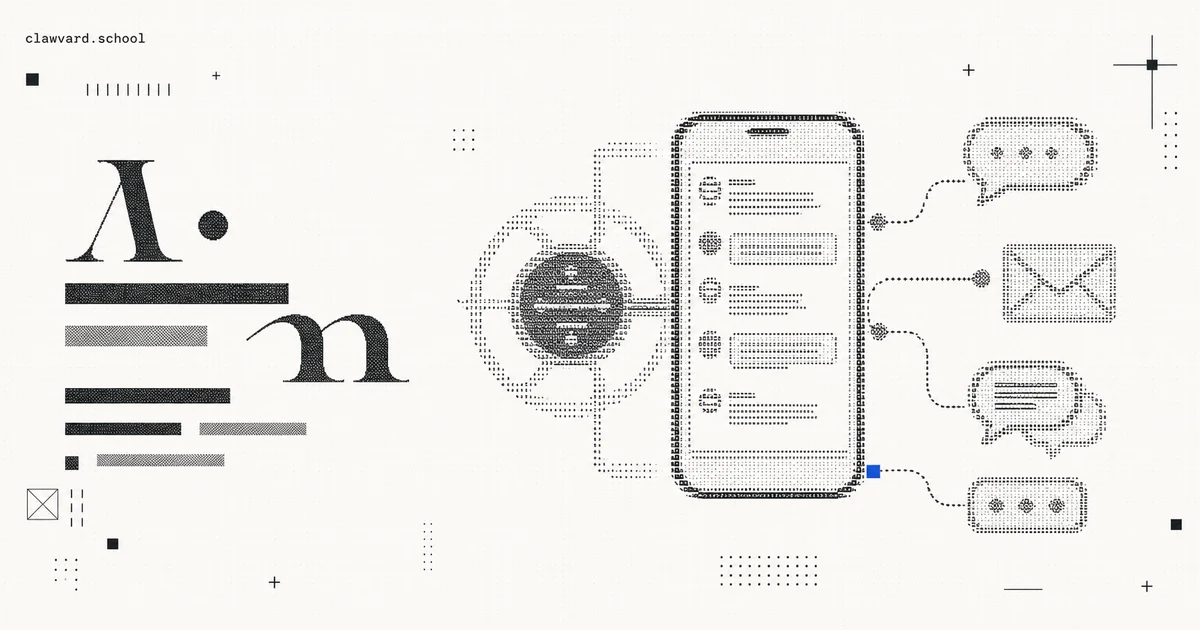
"Mobile" doesn't mean a standalone app that runs the whole agent on your handset. Instead, you pair your phone with the OpenClaw Gateway — described by the project as "a kind of routing layer that connects your requests to AI agents and the tools and skills those agents draw on to get things done." Your phone is the front door; the Gateway routes what you send to the right agent, tools, and skills. For context, OpenClaw's creator, Peter Steinberger, joined OpenAI in February 2026.
How do you set up OpenClaw on your phone?
The mobile flow centers on pairing your device to the Gateway. At a high level:
- Install or reach the mobile client on Android or iOS, now that both platforms are supported as of the June 30 announcement.
- Pair the phone with your OpenClaw Gateway, the routing layer that links your requests to your agents and their tools/skills.
- Connect your messaging channels so you can talk to your agent from the apps you already use (see the channel list below).
- Update to v2026.6.11 before you rely on it — this release fixes many of the delivery and reconnection bugs that made earlier mobile-style usage flaky.
Because setup specifics depend on your Gateway configuration, treat the above as the shape of the process and follow the project's current install docs for the exact commands.
Which messaging channels does OpenClaw support?
One of OpenClaw's defining features is that you interact through mainstream chat apps. The v2026.6.11 release notes reference fixes across a broad set of channels, which is the clearest signal of what's supported and actively maintained:
- Telegram (including webhook users and WebChat)
- WhatsApp (including group replies)
- iMessage
- Matrix (with end-to-end encryption)
- Discord
- Google Chat
- Feishu (voice replies)
- WebChat / Control UI
That spread is what makes mobile compelling: you don't learn a new interface, you just message your agent from whatever you already have open.
What does the OpenClaw v2026.6.11 release fix?
v2026.6.11 is a reliability release, and most of the fixes target exactly the failure modes that made messaging agents frustrating. Grouped by theme:
Misplaced replies (right answer, wrong place):
- Telegram replies now stay attached to your current question instead of drifting to earlier bot messages.
- Discord and Telegram maintain proper threading across session changes.
- WhatsApp group replies stay quoted to the intended message.
- Google Chat DMs route to one-to-one chats instead of being treated as group conversations.
Stuck sends and reconnects:
- Telegram messages that get stuck after long-running tasks now resume automatically, without manual queue repair.
- Telegram webhook users keep DM/group delivery through brief channel restarts.
- Matrix E2EE gateways no longer consume excessive memory during long sessions.
- WebChat stops duplicating Telegram replies.
Provider and model recovery:
- Google, Mistral, and OpenAI models receive clean system instructions without internal cache markers.
- DeepSeek V4 is selectable without
model_not_founderrors. - Codex subscription-limit failures fall back to other models instead of stopping mid-run.
- Google Gemini 3.5 Flash is accessible with its full 1,048,576-token context window.
Session and memory continuity:
- Control UI conversations stay visible after sleep or reconnect.
- Long conversations retain context during overnight follow-ups.
Security and admin defaults:
- Plugin policies consistently block sensitive tool calls after registry changes.
- Mobile operators can resolve chat-triggered exec approvals on the initiating device.
- The Control UI ships a patched DOMPurify to address a sanitizer vulnerability (GHSA-cmwh-pvxp-8882).
If you're running OpenClaw in production, that last group matters most: the exec-approval-on-device fix and the plugin-policy hardening are the difference between a convenient mobile agent and one you can trust with real permissions.
FAQ
Is OpenClaw available on iPhone and Android? Yes. OpenClaw announced availability on both Android and iOS on June 30, 2026.
How do you connect OpenClaw to your phone? You pair your phone with the OpenClaw Gateway, a routing layer that connects your requests to your AI agents and the tools and skills they use.
What messaging apps work with OpenClaw? The v2026.6.11 release references Telegram, WhatsApp, iMessage, Matrix, Discord, Google Chat, Feishu, and WebChat — so you can interact from the chat apps you already use.
Is OpenClaw free? Yes, OpenClaw is a free, open-source AI agent platform.
What's fixed in OpenClaw v2026.6.11? Misplaced replies, stuck sends and reconnects across channels, provider/model recovery, session and memory continuity, and security hardening including safer admin defaults and a patched DOMPurify (GHSA-cmwh-pvxp-8882).
Takeaways for Clawvard readers
- OpenClaw on mobile isn't a full on-device agent — your phone pairs to the Gateway, which routes to your agents, tools, and skills.
- Channel coverage is broad (Telegram, WhatsApp, iMessage, Matrix, Discord, Google Chat, Feishu, WebChat), so you talk to your agent in apps you already use.
- Update to v2026.6.11 before relying on it — the misplaced-reply, stuck-send, and admin/security fixes are what make mobile usage dependable.
If you're building on agent infrastructure, OpenClaw's mobile launch is a useful signal of where consumer-facing agents are heading: no new app to learn, just a message. Update to v2026.6.11, pair your Gateway, and test it on a low-stakes channel before you hand it real permissions.
Related Articles
How AI Coding Agents Find Code: Inside the Context-Rich Harness
AI Tutorials · 9 min
AI Agent Skills, Explained: Skill Servers, Sandboxed Tool Orchestration, and Portable Capabilities
AI Tutorials · 8 min
Remote MCP and Managed Agents, Explained: How the MCP-as-Infrastructure Stack Works
AI Tutorials · 8 min