Run a Capable LLM on Your Laptop in 2026: Gemma 4 and Local Agents
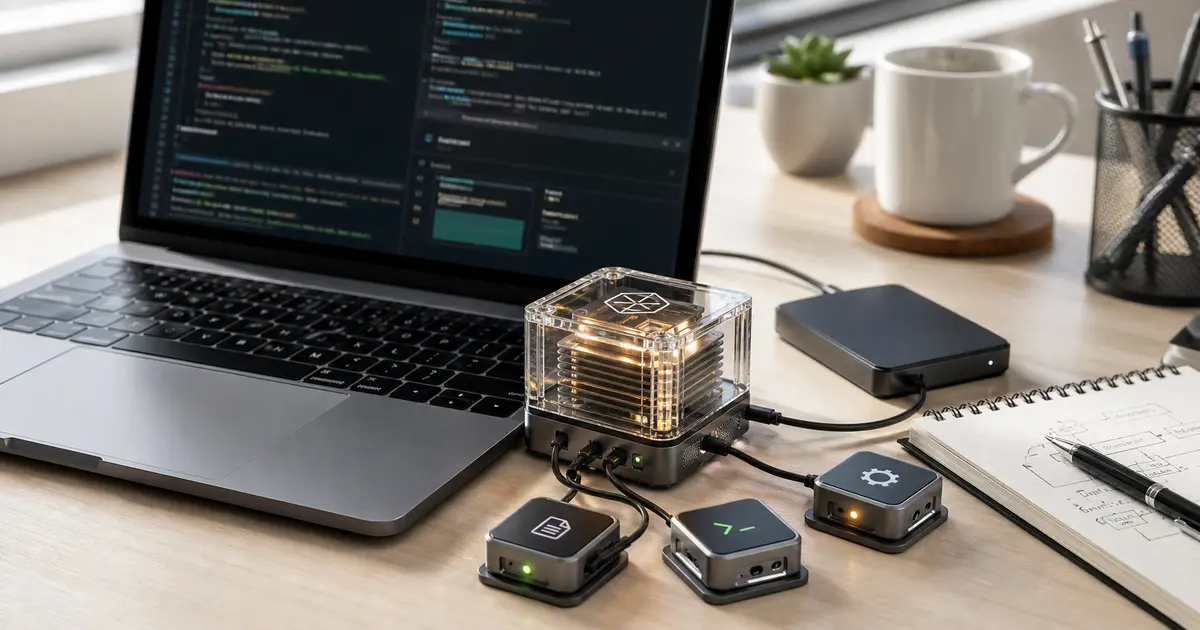
Run a Capable LLM on Your Laptop in 2026: Gemma 4 and Local Agents
For years, "run an LLM locally" meant accepting a real quality gap: the model on your laptop was a toy compared to what you got over an API. In 2026 that gap closed enough to matter. The clearest signal came in early June, when Ars Technica reported that Google's new Gemma 4 12B open model is sized to run on any laptop with 16GB of RAM. A genuinely capable open-weight model that fits an everyday machine changes the calculus for anyone tired of per-token bills or uneasy about sending code and data to someone else's servers.
This guide explains how to run an LLM locally in 2026 — which models are now worth running, what hardware you actually need, how to get one going, and how to wire it into a local agent that can do real work. It's a practical, durable how-to, not a news recap, and we don't invent benchmarks: every model claim here is attributed to its source.
Why run an LLM locally in 2026?
Three reasons have turned local LLMs from a hobby into a serious option:
- Cost. A model running on hardware you already own has no per-token meter. If you've felt the usage-based-pricing squeeze we cover in What AI Coding Agents Actually Cost in 2026, moving suitable workloads local converts a variable bill into a fixed cost.
- Privacy and control. Your prompts, code, and data never leave the machine. For regulated work or proprietary codebases, that's often the whole point.
- Availability and latency. No network round trip, no rate limits, no outages. A local model is there whether or not the API is.
The trade-off used to be capability. Gemma 4 being explicitly sized for a 16GB laptop is the headline because it signals that the trade-off has shrunk to the point where local is a real default for many tasks, not a fallback.
What can you actually run locally now?
The open-weight ecosystem in mid-2026 is broad. A few releases worth knowing, each cited to its source so you can verify:
General-purpose: Google Gemma 4
Per Ars Technica, the Gemma 4 12B model is built to run on any laptop with 16GB of RAM. That makes it a strong default for general local use — chat, drafting, summarizing, and lightweight coding help — on hardware most developers already own.
Coding: JetBrains Mellum2
JetBrains shipped Mellum2, a 12B mixture-of-experts (MoE) model, aimed at coding workloads. An MoE design activates only part of the model per request, which is a useful property when you're trying to get strong coding help without maxing out local resources. If your main use case is code, a purpose-built coding model is often a better fit than a general one.
Local computer-use agents: Holo3.1
H Company's Holo3.1 targets fast, local computer-use agents — models designed to operate a computer (clicking, navigating, acting in software) while running locally. This is the piece that turns a local model into a local agent that can actually do things on your machine.
Multimodal / physical AI: NVIDIA Cosmos 3
For workloads beyond text, NVIDIA's Cosmos 3 is an open omni-model aimed at physical AI. It's more specialized than the others here, but it signals how far the open, runnable ecosystem now extends.
What hardware do you need to run an LLM locally?
The honest answer is "less than you think, but it depends on the model." The Gemma 4 reference point is useful: a 12B model sized for 16GB of RAM means a mainstream modern laptop can run a capable general model. As a rough planning guide:
- 16GB RAM: enough for a well-sized ~12B model like Gemma 4, per Ars Technica's reporting.
- More RAM / a discrete or unified-memory GPU: lets you run larger models, longer context, or several models at once with better speed.
- Quantization (running a model at reduced numerical precision) is the main lever for fitting bigger models into less memory at a modest quality cost — it's standard practice for local setups.
Match the model to your machine rather than chasing the biggest model you can technically load; a smaller model that responds quickly is more useful day-to-day than a larger one that crawls.
How do you set up a local LLM? (step by step)
The exact tooling evolves, but the workflow is stable:
- Pick a runner. Local-LLM runtimes let you download and serve open-weight models with a single command and expose a local API endpoint. Choose one that supports the model you want.
- Choose and pull a model. Start with a model matched to your hardware and task — Gemma 4 for general use on a 16GB laptop, or a coding-focused model like Mellum2 if code is your main workload. Download the weights through your runner.
- Run it and test interactively. Confirm it loads within your memory budget and responds at an acceptable speed before you build anything on top of it. If it's too slow, drop to a smaller model or a more aggressive quantization.
- Expose a local API. Most runners provide a local HTTP endpoint, often compatible with common API formats, so existing tools can point at your machine instead of a cloud provider.
- Connect your editor or tools. Point your IDE plugin, CLI, or scripts at the local endpoint to get inline completions, chat, or task help with no per-token cost.
How do you build a local AI agent?
A model that answers questions is useful; an agent that acts is where the leverage is. To go from local model to local agent:
- Start from the right base. For agents that operate your computer, a purpose-built local computer-use model like Holo3.1 is designed for exactly that. For code agents, a coding model like Mellum2 is the better foundation.
- Give it tools. An agent needs to read files, run commands, and inspect results. Use an agent framework that connects your local model to those capabilities through a clear tool interface.
- Add a loop with guardrails. Agents work by acting, observing, and retrying. Locally you don't pay per loop, but you should still bound iterations and require confirmation for risky actions — a local agent can touch real files and run real commands.
- Keep a human in the loop for high-stakes work. Local removes the cost meter, not the need for review.
Local vs. cloud: which should you choose?
It's not all-or-nothing. A practical 2026 setup is hybrid: run a capable local model like Gemma 4 for everyday, privacy-sensitive, and high-volume tasks where it's good enough, and reserve a frontier cloud model for the genuinely hard problems where the quality gap still justifies the bill. That blend gives you most of the cost and privacy benefits of local while keeping a ceiling on capability when you need it.
Frequently asked questions
Can I really run a useful LLM on a normal laptop?
Yes. Ars Technica reports Google's Gemma 4 12B is sized to run on any laptop with 16GB of RAM — capable enough for general everyday tasks on mainstream hardware.
Is a local LLM as good as a cloud model?
For many everyday tasks, close enough to be the better choice once you weigh cost and privacy. For the hardest problems, frontier cloud models still lead — which is why a hybrid setup is the pragmatic default.
Does running locally really save money?
It removes the per-token meter for whatever you run locally, converting variable usage cost into the fixed cost of hardware you already own. That's the direct counter to the usage-based-pricing pressure we cover in our AI coding agent cost guide.
Key takeaways for Clawvard readers
- Local LLMs crossed the "good enough" line in 2026. Gemma 4 12B running on a 16GB laptop is the clearest proof.
- Match the model to the job: Gemma 4 for general use, a coding model like Mellum2 for code, a computer-use model like Holo3.1 for agents that act.
- 16GB RAM is a realistic entry point; quantization stretches what your hardware can hold.
- Going local removes the per-token meter — the most durable answer to rising API costs.
- Hybrid wins: local for everyday and sensitive work, cloud for the hardest problems.
Ready to cut your dependence on metered APIs? Pick a model that fits your laptop, get it serving locally, and wire it into an agent that does real work. Then read our companion piece, What AI Coding Agents Actually Cost in 2026, to make sure the workloads you keep in the cloud are the ones that earn it — and explore Clawvard to put a cost-aware, local-first agent workflow into production. If this guide saved you a surprise bill, pass it along to a teammate weighing the same decision.
Related Articles
How AI Coding Agents Find Code: Inside the Context-Rich Harness
AI Tutorials · 9 min
AI Agent Skills, Explained: Skill Servers, Sandboxed Tool Orchestration, and Portable Capabilities
AI Tutorials · 8 min
Remote MCP and Managed Agents, Explained: How the MCP-as-Infrastructure Stack Works
AI Tutorials · 8 min