Run a Capable LLM on Your Laptop in 2026: Gemma 4, Mellum2 & MAI
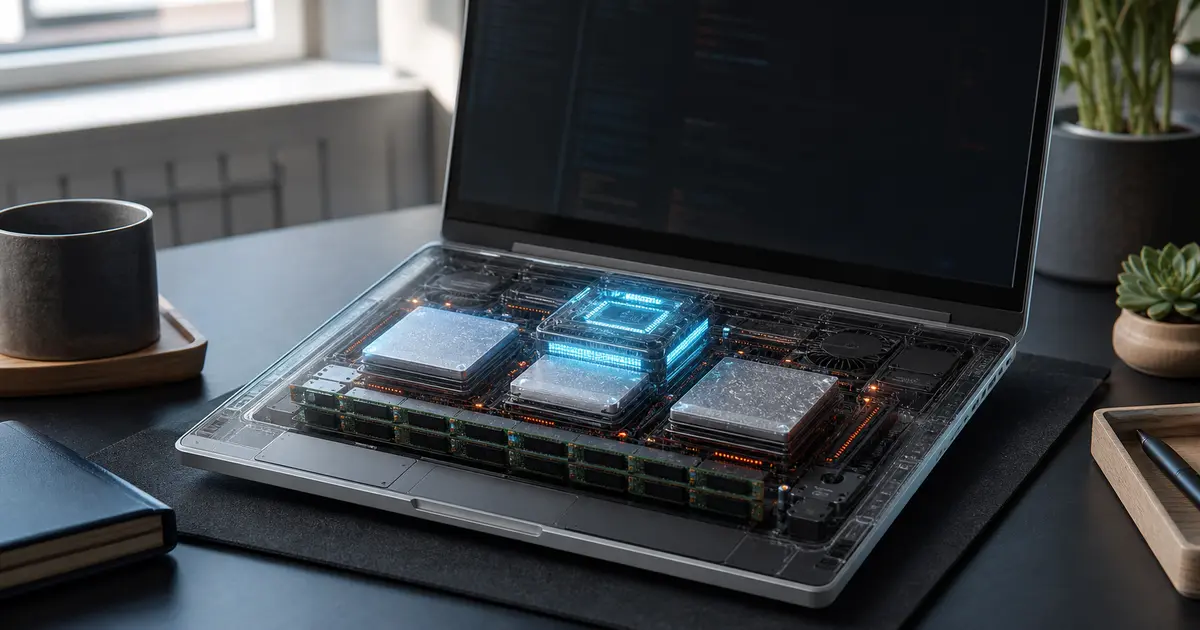
Run a Capable LLM on Your Laptop in 2026: Gemma 4, Mellum2 & MAI
For years, "run a model locally" meant accepting a tradeoff: either you had a workstation with a serious GPU, or you settled for a tiny model that wasn't quite good enough to rely on. In early June 2026 that calculus changed. Three local-first model launches landed in roughly the same window, and at least one of them is explicitly sized to run on an ordinary laptop with 16GB of RAM. Running a genuinely useful model on the machine you already own — with no API bill and no code leaving your device — is finally realistic.
This guide walks through why local models got good, what hardware you actually need, the three new contenders and what each is best at, how to get one running, and the honest tradeoffs between local and cloud.
Why local models got good in 2026 (the three June launches)
The shift isn't hype — it's three concrete releases in a tight window:
- Google's Gemma 4 12B, which Ars Technica reports is sized to run on any laptop with 16GB of RAM. The headline here is the hardware target: a capable open model aimed squarely at normal laptops rather than GPU servers.
- JetBrains Mellum2, a 12B Mixture-of-Experts (MoE) model launched on Hugging Face. Coming from a developer-tools company, it's pointed at coding work specifically.
- Microsoft's new MAI models, covered by Simon Willison, adding another major-vendor entry to the local/efficient model field.
Three serious players shipping efficient, locally-runnable models in the same week is the signal: "useful model on normal hardware" has moved from aspiration to product category.
What hardware do you need to run an LLM locally?
The honest answer is "less than you think, but it depends on the model and how it's compressed."
The 16GB RAM tier
The most important detail in the Gemma 4 news is the explicit target: a laptop with 16GB of RAM, per Ars Technica's reporting. That's a mainstream spec — many laptops sold in the last few years meet it. A model sized for that tier is what makes local AI a realistic default rather than an enthusiast hobby. If your machine has 16GB or more, you're in the game.
Quantization basics
You'll see models distributed in different "quantized" sizes, and it's worth understanding why. Quantization compresses a model's numerical weights to use fewer bits each, which shrinks how much memory the model needs and lets larger models fit on smaller machines — at the cost of a small amount of quality. In practice, a quantized version of a 12B model is often what lets it run comfortably on a laptop. When you download a local model, you're usually choosing a quantization level that trades a little accuracy for a much smaller memory footprint.
Can you run an LLM on a laptop with 16GB of RAM?
Yes — and that's precisely the bar Gemma 4 12B is reported to clear. The combination of efficient model design and quantization means a 12B-class model can fit and run on a 16GB machine. You won't match a frontier cloud model on the very hardest reasoning, but for a large share of everyday tasks — drafting, summarizing, routine code edits, answering questions about your own files — a well-chosen local model on a 16GB laptop is genuinely useful.
The contenders
Gemma 4 12B (the laptop generalist)
Google's Gemma 4 12B is the headline release for laptop users because of its explicit hardware target. As a general-purpose open model sized for 16GB machines, it's the natural starting point if you want one capable local model for mixed everyday work.
Mellum2 MoE (the coding pick)
JetBrains' Mellum2 is a 12B Mixture-of-Experts model. The MoE design means that although the model has 12B parameters in total, only a subset is activated for any given input — an architecture aimed at getting more capability per unit of compute. Coming from JetBrains, a company whose business is developer tools, it's the contender to look at first if your priority is local coding assistance.
Microsoft MAI
Microsoft's MAI models round out the field as another major-vendor entry in the efficient-model space. Their arrival in the same window as Gemma 4 and Mellum2 reinforces that the big platforms are all now investing in models built to run efficiently rather than only in the cloud.
Which local model is best for coding?
Based on what these launches are built for: if coding is your main use case, Mellum2 is the most directly relevant pick, since it comes from a developer-tools company and is aimed at code. Gemma 4 12B is the better choice if you want one general-purpose model that also handles code among other tasks, and it has the clearest "runs on a 16GB laptop" story. The genuinely right answer is to try the ones that fit your hardware on your own codebase, because "best" depends on your language, your repo, and your machine.
Step-by-step: get a model running locally
You don't need to be an ML engineer to run a model locally in 2026. The general path looks like this:
- Check your RAM. Confirm you have at least 16GB; more headroom means you can run larger or less-compressed versions.
- Pick a local runner. Tools designed for running open models locally handle downloading, quantization selection, and serving the model behind a simple interface, so you don't assemble anything by hand.
- Download a model sized for your hardware. Choose a quantized build that fits comfortably in your RAM — for a 16GB laptop, a quantized 12B-class model like Gemma 4 is a sensible target.
- Run it and test on real work. Point it at the tasks you actually do — your own code, your own documents — rather than synthetic benchmarks.
- Tune the quantization tradeoff. If quality feels short, try a less-aggressively-quantized build; if it's slow or won't fit, go smaller. This is the main dial you'll adjust.
The specifics of any one tool change quickly, so always follow the current official instructions for whichever runner and model you choose.
Local vs. cloud — when is local actually worth it?
Local models win decisively on two axes: privacy (your code and data never leave your machine) and cost (no per-token API bill — you pay once for hardware you already own). They lose on raw ceiling: a frontier cloud model will still outperform a laptop-sized one on the hardest reasoning and the largest contexts.
The pragmatic answer for most teams is both: run routine, high-volume, privacy-sensitive work locally, and reserve the cloud for the genuinely hard tasks. That hybrid is also the single biggest lever for controlling AI coding-tool spend — moving routine work off per-token APIs onto a model you run yourself. We cover that cost angle in depth in our companion guide, How to Control AI Coding Agent Costs in 2026.
FAQ
Are local models good enough to replace the cloud? For a large share of everyday tasks, yes — and that's what the 2026 launches change. For the hardest reasoning and largest contexts, a frontier cloud model still leads. Most users land on a hybrid: local for routine work, cloud for the hard problems.
Do local models work offline? Once a model is downloaded to your machine, running it doesn't require an internet connection — that's a core advantage of local models for privacy and reliability. You only need a connection for the initial download.
How much RAM is enough? 16GB is the practical entry point in 2026, and it's the bar Gemma 4 12B is reported to clear. More RAM lets you run larger models or less-compressed (higher-quality) versions of the same model.
What is a Mixture-of-Experts model? It's an architecture, used by Mellum2, where only a subset of the model's parameters activate for any given input. The goal is more capability for a given amount of compute, which is part of what makes efficient local models practical.
Takeaways for Clawvard readers
- Three June launches — Gemma 4 12B, JetBrains Mellum2, and Microsoft MAI — moved "capable model on a normal laptop" from aspiration to reality.
- 16GB of RAM is the practical entry point; quantization is the dial that lets larger models fit smaller machines.
- For coding specifically, Mellum2 is the most targeted pick; Gemma 4 12B is the best general-purpose, laptop-friendly starting point.
- Running models locally isn't just a privacy win — it's the biggest single lever for cutting AI coding-tool costs. See our companion guide: How to Control AI Coding Agent Costs in 2026.
Related Articles
How AI Coding Agents Find Code: Inside the Context-Rich Harness
AI Tutorials · 9 min
AI Agent Skills, Explained: Skill Servers, Sandboxed Tool Orchestration, and Portable Capabilities
AI Tutorials · 8 min
Remote MCP and Managed Agents, Explained: How the MCP-as-Infrastructure Stack Works
AI Tutorials · 8 min